Author: betaprofiles
-
How to Install the visionOS 27 Beta
Install the visionOS 27 beta on Apple Vision Pro in 2026 — no profile file needed. Step-by-step on-device from Settings, free with your Apple Account, plus supported Vision Pro models, troubleshooting and how to downgrade with the Developer Strap.
-
How to install the watchOS 27 Beta
Install the watchOS 27 beta on Apple Watch in 2026 — no profile file needed. Step-by-step from the iPhone Watch app, free with your Apple Account, plus the critical no-downgrade warning, supported Apple Watch models and troubleshooting.
-
How to install the MacOS 27 Beta
Install the macOS 27 Golden Gate beta in 2026 — no profile file needed. Step-by-step guide to the macOS 27 Developer Beta and Public Beta from System Settings, free with your Apple Account, plus Time Machine backup, Mac compatibility, troubleshooting and how to downgrade.
-
How to install the iPadOS 27 Beta
Install the iPadOS 27 beta the new way in 2026 — no profile file needed. Step-by-step guide to the iPadOS 27 Developer Beta and Public Beta over the air on iPad, free with your Apple ID, plus backup, compatibility, troubleshooting and how to downgrade.
-
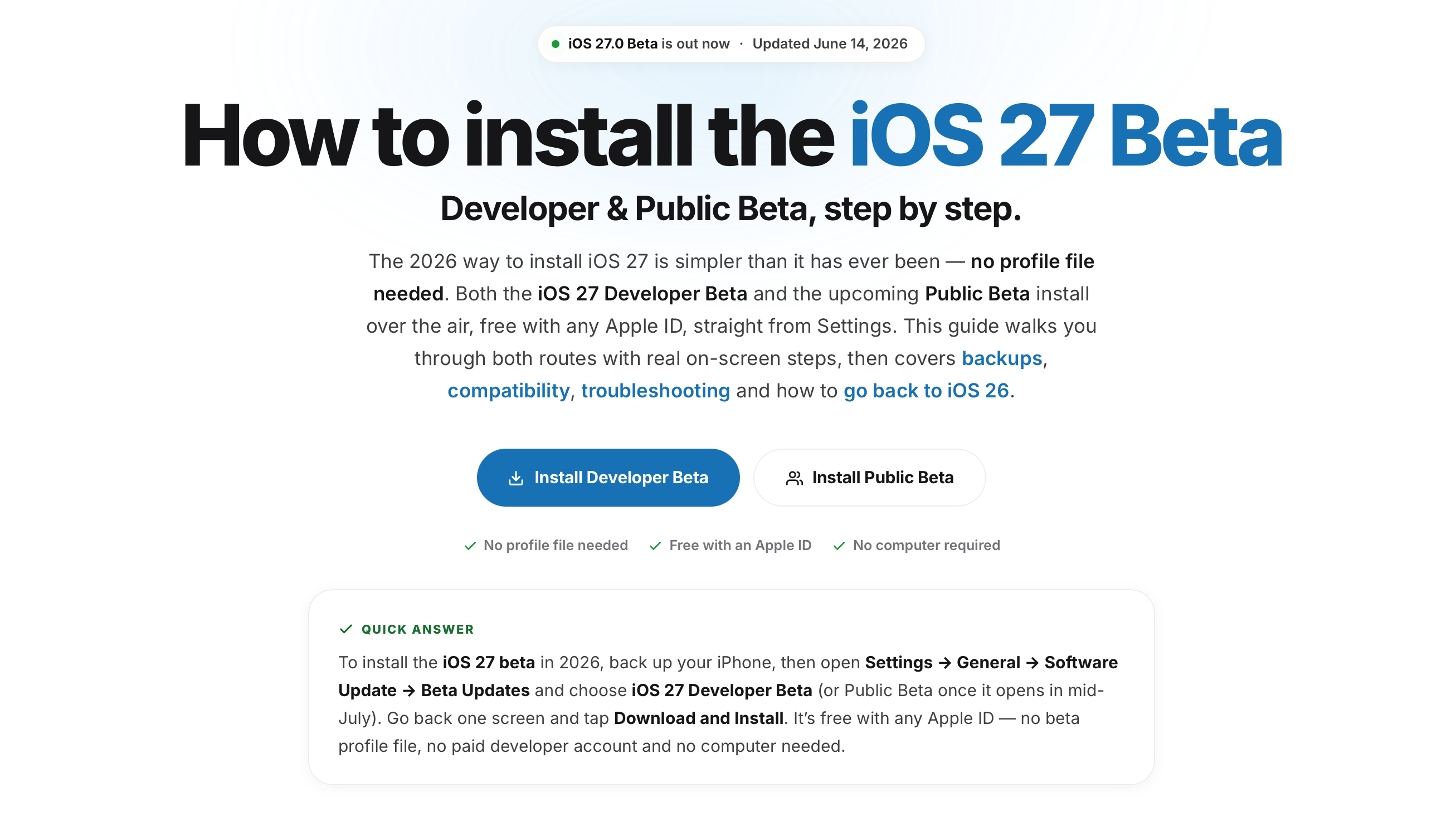
How to Install the iOS 27 Beta
Install the iOS 27 beta the new way in 2026 — no profile file needed. Step-by-step guide to the iOS 27 Developer Beta and Public Beta over the air, free with your Apple ID, plus backup, compatibility, troubleshooting and how to downgrade.
-
iOS 27 Beta IPSW Download — All iPhone Models & Direct Links (2026)
Download iOS 27 Beta IPSW files for every supported iPhone model. Direct links from Apple’s servers, real-time signing status, step-by-step installation guide, and IPSW vs OTA comparison. Updated daily.
-
iOS 27 Beta Download — Where to Get It & How to Install
Download iOS 27 Beta for your iPhone. Free access via Apple’s Beta Software Program — no profile needed. Developer Beta available June 8, Public Beta in July. Plus: IPSW beta download links for clean installs.
-
How to Enroll in iOS 27 Beta Program
Learn how to enroll in the iOS 27 Beta Program step by step. Free enrollment for Developer Beta and Public Beta. No profile needed — just your Apple ID. Covers requirements, differences, and common enrollment problems.
-
How to Remove iOS 27 Beta and Go Back to iOS 26
Remove iOS 27 Beta from your iPhone and downgrade to iOS 26. Three methods explained: unenroll and wait, IPSW restore, and Recovery Mode. Keep your data or start fresh — step-by-step instructions for every scenario.
-
How to Enable Developer Mode on iPhone for iOS 27 Beta
Enable Developer Mode on iPhone for iOS 27 Beta. Required for sideloading apps, Xcode debugging, and TestFlight builds. Step-by-step guide with troubleshooting for when Developer Mode doesn’t appear in Settings.